Video Production Tipspublished on 2026-04-15T17:51:22+08:00
Batch Video Production with AI: How to Create 10 Videos in One Session
Batch Video Production with AI: How to Create 10 Videos in One Session
Creating one great AI video is satisfying. Creating ten in a single session is a competitive advantage. Whether you are testing ad creatives, filling a content calendar, or producing episodic short drama clips, batch production workflows let you maximize output while maintaining quality.
Why Batch Production Matters
The economics of AI video favor volume:
- Ad testing: You need 5-10 creative variants to find what resonates
- Social content: Platforms reward consistent posting (daily or multiple times per week)
- Short drama: A 10-episode series requires dozens of individual clips
- E-commerce: Each product may need 3-4 video angles and formats
Manual one-at-a-time production cannot keep up. Batch workflows can.
The Batch Production Framework
Phase 1: Preparation (30 minutes)
Before generating anything:
- Define your output list — Write down exactly what 10 videos you need (topic, format, duration)
- Create a style anchor — One consistent style block for visual coherence
- Prepare prompt templates — Reusable structures where you swap only the variable parts
- Set up your asset folder — Reference images, brand assets, character descriptions
Phase 2: Template-Based Generation (60 minutes)
The key insight: most of your prompt stays the same across videos. Only the subject and action change.
Template:
"[STYLE ANCHOR] + [SHOT TYPE] of [VARIABLE: subject/action], [FIXED: lighting], [FIXED: camera], [FIXED: post-processing look]"
Example for e-commerce product videos:
- Video 1: "...close-up of the leather watch on a marble surface, rotating slowly..."
- Video 2: "...medium shot of the watch on a wrist, hand reaching for coffee cup..."
- Video 3: "...detail shot of the watch clasp mechanism opening and closing..."
Same style anchor, same lighting, same camera language — different subject action.
Phase 3: Review and Select (20 minutes)
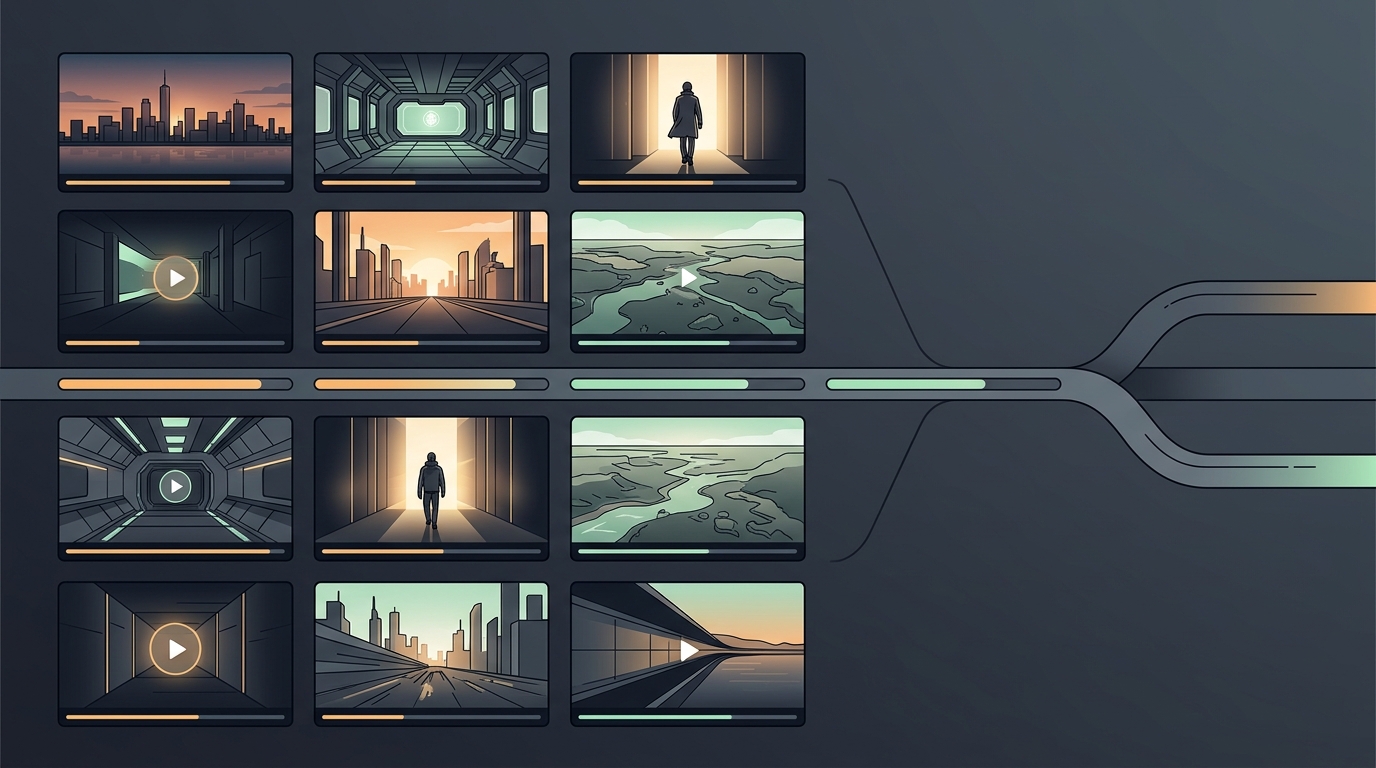
Generate 2-3 variants per video. Review all outputs in a grid:
- Pick the best variant for each slot
- Flag any that need regeneration with adjusted prompts
- Check cross-video consistency (do they look like they belong together?)
Phase 4: Post-Processing (30 minutes)
Batch post-processing is where time savings compound:
- Apply the same color grade preset to all clips
- Add consistent lower thirds, logos, or end cards
- Batch export in multiple formats (16:9, 9:16, 1:1)
- Add audio tracks from a pre-selected music library
Batch Patterns by Use Case
Ad Creative Testing (5-10 variants)
Hold the message constant, vary the visual execution:
- Same product, different backgrounds
- Same script, different visual styles (photorealistic vs. animated)
- Same concept, different aspect ratios for different platforms
Social Content Calendar (7 daily posts)
Create a week of content in one sitting:
- Monday: Behind-the-scenes style clip
- Tuesday: Product showcase
- Wednesday: Tutorial or tip
- Thursday: User story or testimonial visual
- Friday: Trend-based or entertaining clip
- Weekend: Compilation or recap
Short Drama Episodes (3-5 episode batch)
Use character and setting consistency anchors to maintain continuity:
- Lock character descriptions across all episodes
- Maintain lighting and color palette
- Vary only action, dialogue context, and camera angles
Efficiency Metrics
A well-optimized batch session typically achieves:
- 10 finished videos in ~2.5 hours (vs. 6-8 hours one at a time)
- 60% fewer total generation attempts (templates reduce trial-and-error)
- Higher visual consistency (style anchors prevent drift)
- Lower per-video cost (preparation investment amortized across outputs)
Getting Started
Pick your most immediate need — ad testing, social content, or product videos — and run your first batch session. Start with 5 videos rather than 10. Refine your templates after the first batch, then scale up. The template library you build becomes a reusable asset that makes every future session faster.
Related reading
Share
Related Posts

Video Production Tips
Discover five advanced prompt writing techniques that dramatically improve the quality and consistency of your AI-generated videos.
2026-04-15T17:51:22+08:00
Video Production Tips
Learn efficient batch workflows for producing multiple AI videos in a single session. Ideal for ad testing, social content calendars, and short drama episodes.
2026-04-15T17:51:22+08:00